Mastering GitOps: Utilizing Terraform and ArgoCD for EKS Deployment
Terraform with AWS : Day - 29

Running Kubernetes in production is not just about deploying pods. It is about networking, security, visibility, and control. GitOps brings discipline by making Git the single source of truth, while Terraform ensures the underlying AWS infrastructure is consistent and repeatable.
In this blog, we extend the earlier GitOps setup by clearly documenting the 3 tier architecture, security boundaries, networking design, and operational visibility for an end to end GitOps workflow on Amazon EKS using Terraform and ArgoCD.
What This Architecture Solves
Infrastructure created once and managed as code
Applications deployed automatically from Git
Clear separation between frontend, backend, and database tiers
Secure networking with minimal blast radius
No manual kubectl usage in day to day operations
This is how modern platform teams run Kubernetes at scale.
Complete 3 Tier Architecture Overview
Users
  |
  | HTTPS
  v
Ingress / ALB Controller
  |
  v
Frontend Tier (Namespace: frontend)
  |
  | Internal Service
  v
Backend Tier (Namespace: backend)
  |
  | Private Networking
  v
Data Tier (RDS / External DB or Stateful Service)

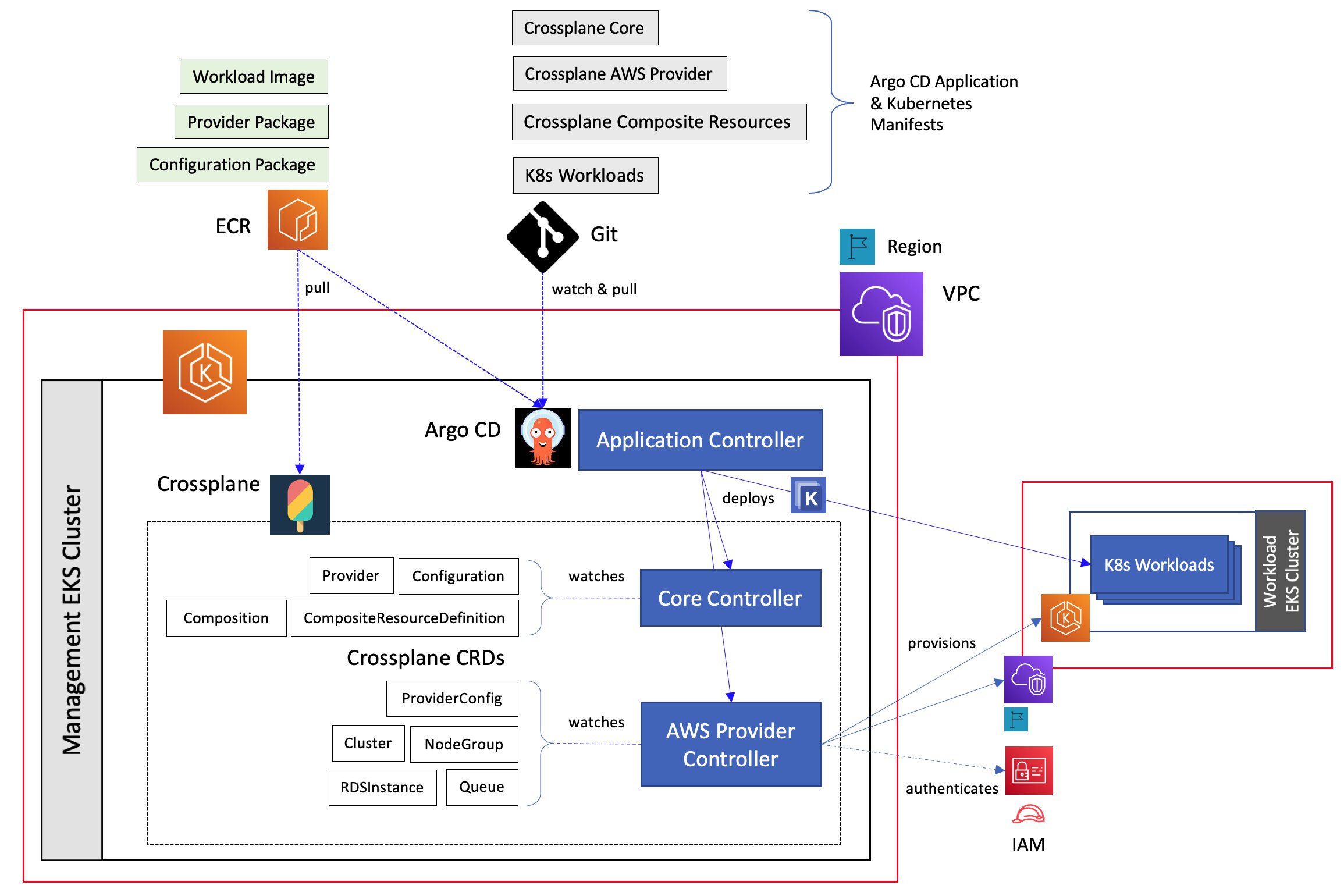
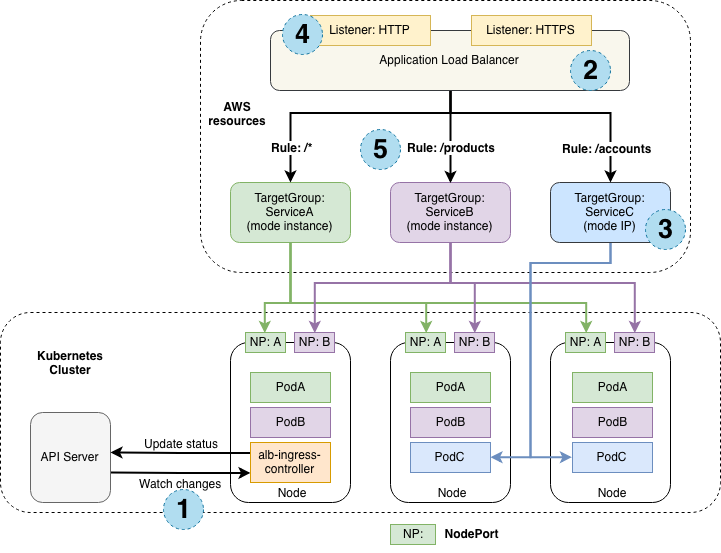
Each tier is isolated using namespaces, security groups, and network rules while still allowing controlled communication.
Infrastructure Layer Using Terraform
Terraform provisions the foundation:
VPC with public and private subnets across 2 Availability Zones
Internet Gateway and NAT Gateways
EKS cluster with managed node groups
IAM roles for cluster, nodes, and controllers
Security groups for worker nodes and load balancers
Example EKS provisioning snippet:
module "eks" {
  source          = "terraform-aws-modules/eks/aws"
  cluster_name    = "gitops-eks"
  cluster_version = "1.29"
  subnet_ids      = var.private_subnets
  enable_irsa     = true
}
Terraform’s responsibility ends once the cluster is ready. Everything inside Kubernetes is handled by GitOps.
GitOps Layer Using ArgoCD
ArgoCD runs inside the cluster and continuously syncs Kubernetes manifests from Git.
Repository structure:
gitops-repo/
│
├── apps/
│   ├── frontend/
│   ├── backend/
│   └── database/
│
└── argocd/
    └── applications.yaml
ArgoCD watches this repository and ensures the cluster always matches what is defined in Git.
ArgoCD Application Definition
apiVersion: argoproj.io/v1alpha1
kind: Application
metadata:
  name: goal-tracker
  namespace: argocd
spec:
  source:
    repoURL: https://github.com/TanseerS/Terraform-AWS/tree/main/Day-29
    path: apps
    targetRevision: main
  destination:
    server: https://kubernetes.default.svc
  syncPolicy:
    automated:
      prune: true
      selfHeal: true
This enables:
Automatic deployment on every Git change
Removal of unused resources
Drift detection and correction
Security Configuration
Network Security
EKS worker nodes run in private subnets
Only the ingress load balancer is public
Backend services are ClusterIP only
Database tier is not exposed to Kubernetes ingress
Traffic flow is strictly controlled.
IAM and Access Control
IAM roles for service accounts are enabled
No static AWS credentials inside pods
ArgoCD access controlled using RBAC
Developers do not need direct cluster access
Kubernetes Isolation
Separate namespaces per tier
Network policies restrict cross tier traffic
Secrets stored using Kubernetes Secrets or AWS Secrets Manager
This layered security reduces blast radius and accidental exposure.
Networking Design in Detail
Public subnets
Used only for ingress and load balancersPrivate subnets
Used for worker nodes and internal servicesNAT Gateways
Allow outbound access for pulling images and updatesInternal service discovery
Backend and frontend communicate using Kubernetes services
No tier talks directly to the internet unless explicitly required.
Deployment Visibility and Screenshots
Once deployed, ArgoCD provides a live view of application state.
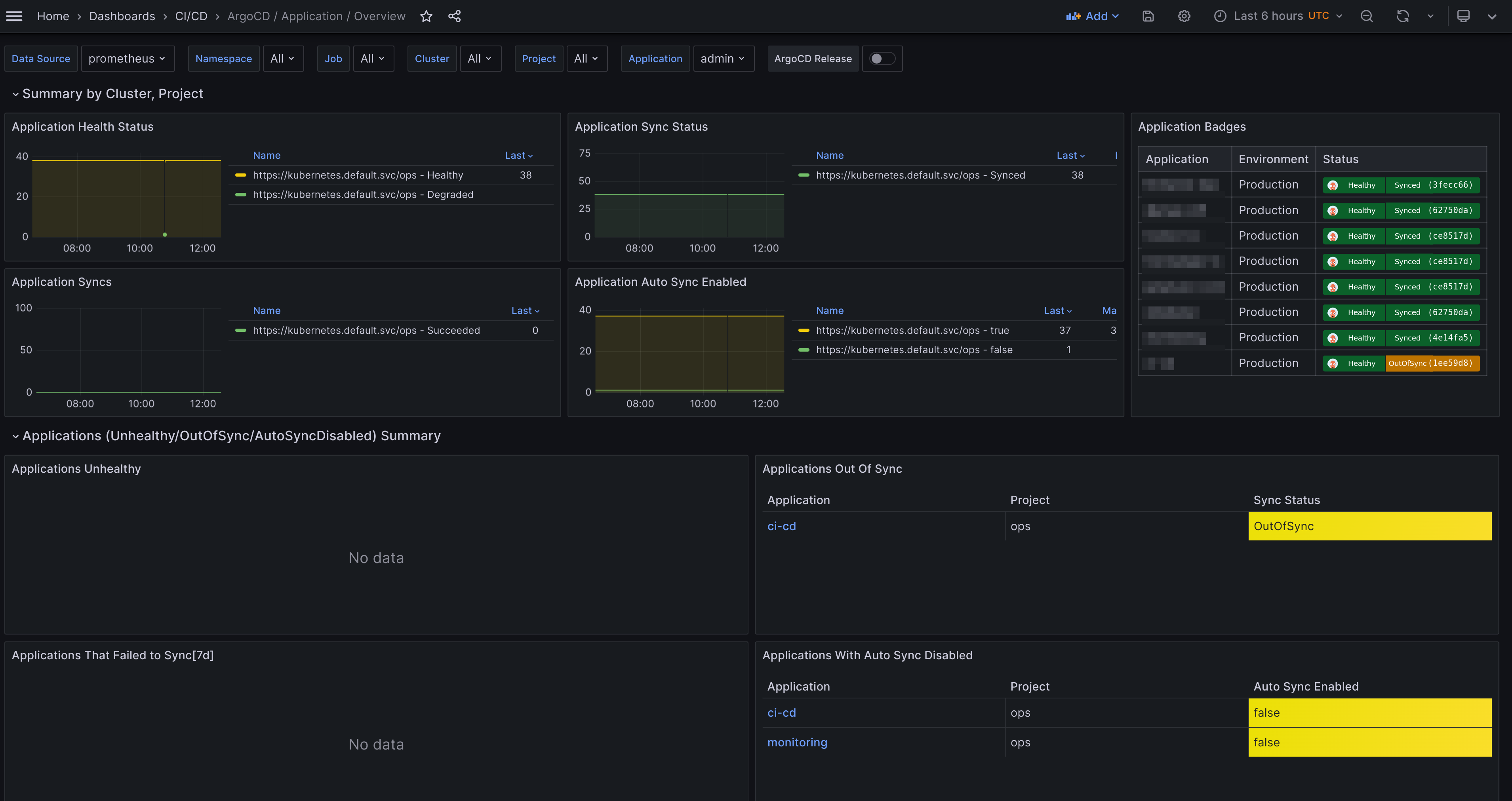
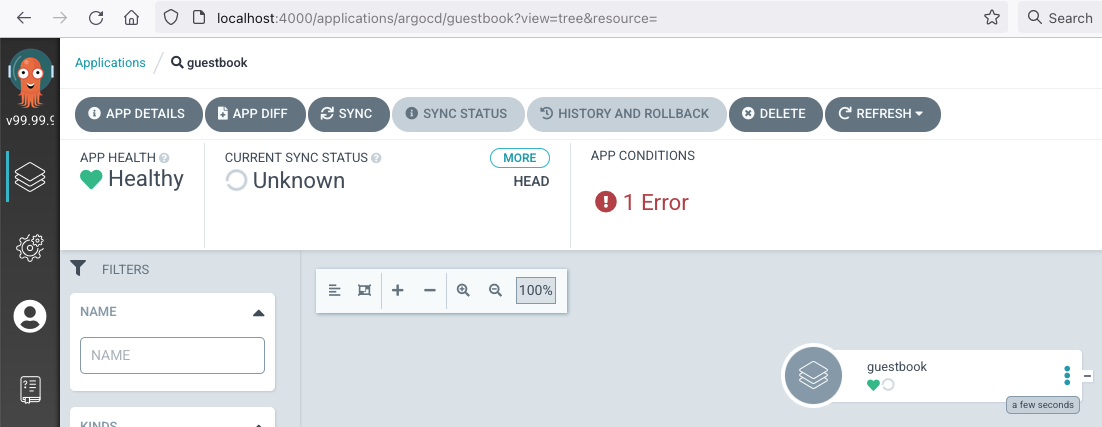
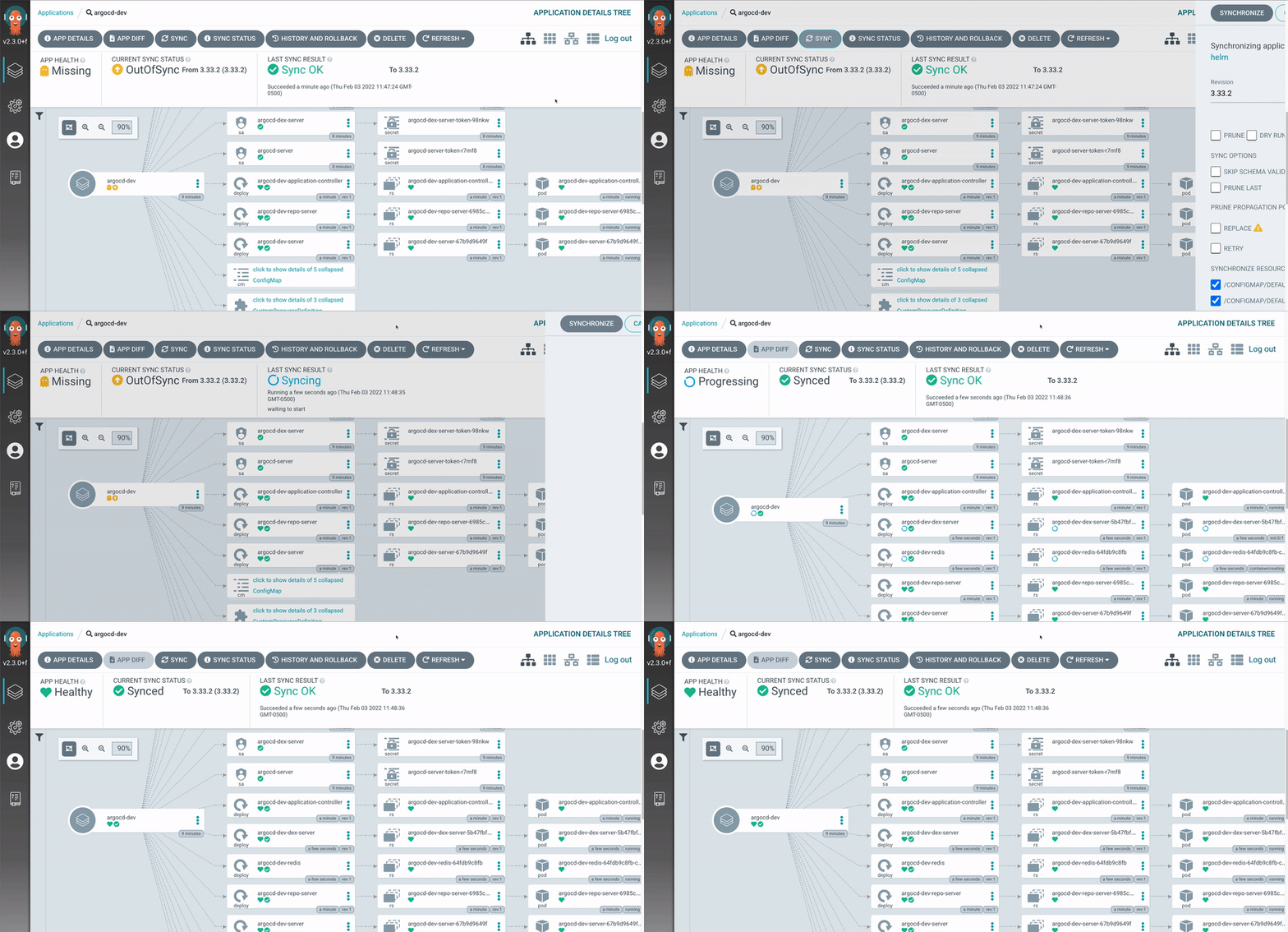
From the ArgoCD dashboard you can:
See sync status for each tier
View deployment history
Roll back to previous Git commits
Detect configuration drift instantly
This replaces guesswork with clarity.
End to End Deployment Flow
Terraform provisions EKS and networking
ArgoCD is installed in the cluster
Git repository is connected to ArgoCD
Application manifests are committed
ArgoCD syncs and deploys all three tiers
Any manual change is reverted automatically
Git is the only control plane.
Why This Architecture Works Well
Clear separation of concerns
Strong security defaults
Fully automated deployments
Easy rollbacks using Git
Scales across teams and environments
This setup works equally well for dev, staging, and production.
Final Thoughts
End to end GitOps with Terraform and ArgoCD is not just a deployment pattern. It is an operating model. Infrastructure is predictable. Applications are always in sync. Security is enforced by design.
With a well defined 3 tier architecture, Git becomes the single place where truth lives, and Kubernetes simply follows.


